Meeton Ads
Turn your website into your best ad channel.
Most of your website visitors leave before they ever get in touch. Meeton Ads is on-site advertising that varies the offer by visitor.
Chosen on the front lines of meeting generation, across every industry







Meeton Ads is the on-site advertising component of Meeton ai, an AI SDR platform. It shows an offer that fits the pages a visitor has read and hands the interested ones on to chat, your documents or a booking. You see each week which ads led to leads and meetings.
How Meeton Ads works
Meeton Ads drafts the ads
Pick documents from your Library and the first versions are written for you. You approve what runs.
Matched to each visitor
The ad follows the path a visitor took, where they came from and their device. You choose whether it appears on the left or the center.
Improve from the results
A/B test several versions and swap ads as you see which ones lead to leads and meetings.
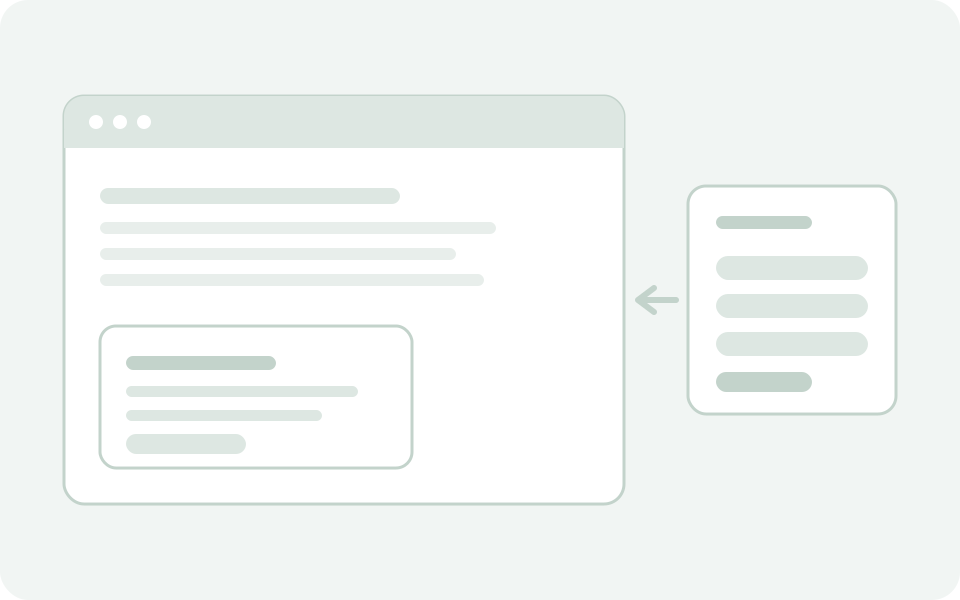
The difference is whether the ad ends there or leads to a meeting.
What a popup tool can do
- Show a popup on the rules you set
- Design where and when it appears
- Compare versions with an A/B test
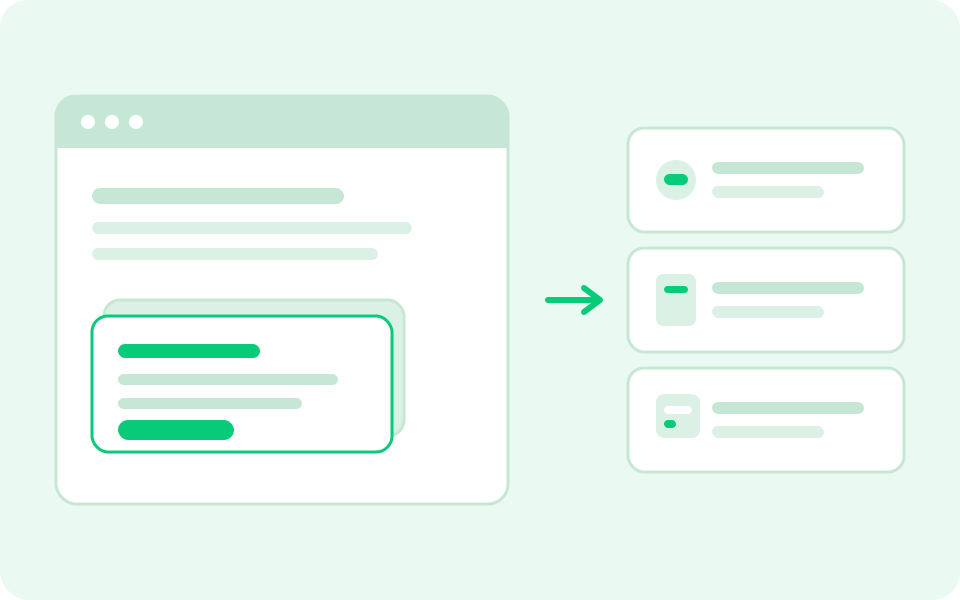
What Meeton Ads can do
- Reach visitors who skip the chat
- Fit the offer to the path, then hand on to a document or to scheduling
- See which ads led to leads and meetings


See Meeton Ads running
on your own site
Thirty minutes, on the real screens, against your own traffic. Real screens, your use case, then decide.
Meeton Ads is one of five.
Visitors an ad brings in can take a document from Library, and Calendar books the meeting once they are ready. Email follows up with the ones who leave without replying.
Meeton Ads FAQ
If I have Meeton Chat, do I need Meeton Ads?
They do different jobs. Meeton Chat answers the visitors who talk to it. Meeton Ads reaches the ones who never open the chat, with a guide, a question or a meeting that fits the page they are on. The proactive chat, where the chat opens itself with a message, is one of the Meeton Ads formats.
How is Meeton Ads different from a popup tool?
You set when an ad shows by the path a visitor takes, such as pricing and then security, not by one page at a time. A Meeton Ads ad opens a document, an inquiry form or a booking without leaving the page, and it all lands on the same contact as the chat and the meeting.
Do I have to write the ads for Meeton Ads myself?
Not from scratch. Pick documents from your Library and Meeton Ads drafts ads from them. Only the drafts you approve go live.
What ad formats does Meeton Ads have?
Six. On the page: corner popup, banner, full screen and inquiry panel. In the chat: proactive chat and quick replies. The corner popup is desktop only, so use quick replies or proactive chat for phones.
How do I measure what Meeton Ads achieves?
Meeton Ads shows reach, clicks, quick closes, leads and meetings per path and per page, week by week. A slot can hold up to four versions for an A/B test, and you decide which ads to keep from the results.
What happens to a visitor an ad gets interest from?
The ad's button takes them to a document, an inquiry form, a booking or a page you choose. Forms and bookings open right there, so they never leave the page.
See Meeton Ads in a demo
We will show you which offers can appear on your own pages. If you would rather read first, download the guide.